

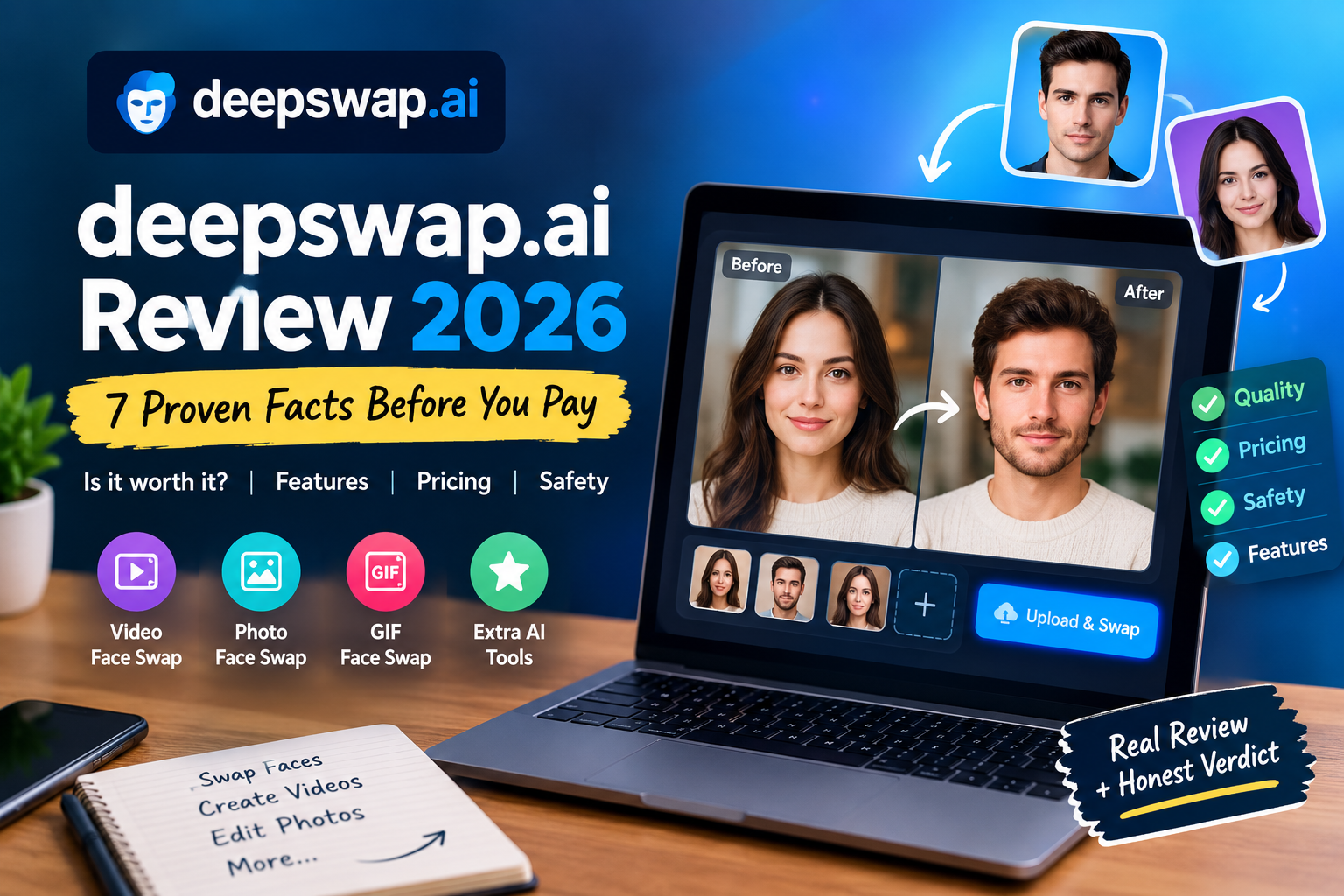
Deepswap.ai is a browser-based AI face swap platform that replaces faces in videos, photos and GIFs in a few clicks. Creators, meme makers and marketers use it, yet buyers keep asking the same questions. What does it really cost? How good are the results? Is it safe to upload personal footage?
This guide answers all three. We compared the official site with an independent hands-on review and a third-party security profile, then filled the gaps they leave. Read it before you spend a single credit.
Quick Verdict: Is Deepswap.ai Worth It in 2026?
Deepswap.ai is worth it if you need high-quality video face swaps from clear footage and can work within a credit budget, but it is a poor fit for strict privacy needs or free experimentation.
- Best for: YouTube creators, meme makers, marketers and short-form editors who start with sharp, well-lit footage.
- Skip it if: you want a free trial, you shoot low-quality or fast-moving video, or your company has strict data-handling rules.
What Is deepswap.ai and How Does It Work?
Deepswap.ai is an online AI face swap tool that maps a face from one image onto the people in your video, photo or GIF. You upload your media, add the replacement face, and the AI blends it into every frame.
The company says its in-house model reaches over 90% face similarity and handles a one-minute video in roughly 10 seconds. Treat those as marketing claims. In independent testing, a 15-second clip finished in under a minute, which is still fast for a web tool.
Key deepswap.ai Features That Matter
The platform has grown beyond simple swaps. Here is what you actually get.
DeepSwap AI Video Face Swap
The headline feature is DeepSwap AI video face swap, which works on long clips. An independent reviewer reported support for videos up to 30 minutes or 1 GB. You can swap up to 6 faces in one clip, which helps with group scenes.
Output is labeled “HD” and the official site lists 1080p. The company shows 4K as “coming soon”, so expect social-media quality rather than cinema quality.
Photo Face Swap and Face Swap GIF Generator
Photo and GIF swaps accept files up to 20 MB. The face swap GIF generator is popular for memes, reaction clips and group-chat jokes. You can also upload up to 5 files at once, which saves time on batches.
Extra AI Tools Beyond Face Swapping
The same account unlocks a few side tools:
- Image enhancer for sharper photos
- Background remover for thumbnails and product shots
- Cartoonize for anime-style edits
- Image-to-video, text-to-video and video extend generators
- An API for developers
These are simple but handy for creators who want one login for thumbnails, clips and edits.
How to Use deepswap.ai in 3 Simple Steps
You can make a face swap on deepswap.ai in three steps: upload your media, add the new face, then preview and download.
- Upload the video, photo or GIF you want to edit.
- Add a face and choose which detected faces to replace.
- Generate, preview and download the result.
Sign-up needs only an email and password. The before-and-after preview also lets you re-edit without starting over.
Tips for Better Face Swap Results
Input quality decides output quality. Follow these rules:
- Use bright, even lighting, because shadows cause fuzzy faces.
- Choose clear, front-facing source faces with no sunglasses, hands or hair across the face.
- Avoid side angles and motion blur.
- Shoot at 1080p or higher when you can.
Why Does My Face Swap Look Wrong?
Most bad swaps come from low-quality or fast-moving footage, not from the tool itself.
Flickering usually means motion blur or a low frame quality. Warping means the face is turned away from the camera. A mismatched look means the replacement photo was dark or tilted. Fix the source, then run a short test clip before processing a full video.
deepswap.ai Pricing and Credits Explained
deepswap.ai uses a credit system, with plans reported at $9.99 per month for 20 credits or $49.99 per year for 240 credits. An independent review found that the annual price rises to $99.99 after year one. Prices change often, so confirm them on the official pricing page. Here is what credits buy, based on early-2026 reporting:
- Video face swap: 1 credit per 15 seconds
- Photo face swap: 0.1 credit
- GIF face swap: 1 credit
- Image-to-video or text-to-video: 1 credit per 5 seconds
- Image enhancement: 0.1 credit per photo
What Does a Face Swap Really Cost?
Our estimates, based on those figures, show the real cost per minute of video (4 credits per minute):
- Monthly plan: about $2.00 per minute of video
- Annual plan, year one: about $0.83 per minute
- Annual plan at renewal: about $1.67 per minute
A 10-minute video needs roughly 40 credits, which is double the monthly allowance. Casual users get plenty of photo and short-clip swaps, but long videos get expensive quickly. The homepage also advertises a 50% premium discount, so check for current offers.
Is There a Face Swap Video Free Option?
deepswap.ai does not appear to offer a free plan or free trial, so a face swap video free option means looking elsewhere.
Open-source tools such as DeepFaceLab and FaceFusion cost nothing, but they need a capable GPU and real learning time. The refund policy gives a safety net: reviewers report a 7-day window, but only if you have not used any credits. Failed generations are said to return credits automatically.
Is deepswap.ai Safe? Privacy, Data and Security
deepswap.ai appears to be a legitimate service, but its data-retention details are inconsistent, so upload only content you are comfortable storing for a few weeks.
The homepage promises that no data is collected. An independent reviewer found a different picture in the help center: uploads stored for 30 days and generated files for 7 days. The same review flagged a privacy policy dated 2021 and servers in Ireland.
A third-party security profile lists many compliance badges for DeepSwap, including SOC 2, HIPAA and ISO 27001. It does not publish evidence for them. Do not assume enterprise certifications. If you need them for work, ask DeepSwap for documentation.
A Safe-Upload Checklist
- Never upload IDs, passports or private documents.
- Avoid footage of children or anyone who has not agreed.
- Download your results quickly, then delete files from the dashboard.
- Use a unique password for your account.
- Reread the current privacy policy before uploading anything sensitive.
You can delete content manually, and full account deletion removes uploaded and generated media. There is no automatic-deletion toggle, so cleanup is your job. For more on staying safe with generative tools, see our guide to AI tool privacy basics .
Using an AI Face Swapper Responsibly
Face swapping is only acceptable when everyone shown has agreed and the result is not used to mislead, harass or impersonate anyone.
Rules on synthetic media are tightening in many countries, and platforms ban deceptive use. Follow these basics:
- Get consent from every person whose face you use.
- Label edited content as AI-generated when it could be mistaken for real footage.
- Never use swaps for fraud, harassment or fake endorsements.
- Check your local laws and the terms of the platform where you publish.
deepswap.ai Pros and Cons
Pros
- Excellent results on clear, high-quality video
- Beginner-friendly three-step workflow
- Supports long videos and up to 6 faces
- Clear credit costs per feature
- Useful extras such as enhancement, cartoonize and video generation
Cons
- No free plan or trial
- Credits run out fast on long projects
- Retention details conflict across official pages
- “HD” output with no resolution controls
- Quality drops with poor or fast-moving footage
DeepSwap Alternatives Worth Considering
The best DeepSwap alternative depends on whether you value convenience, free access or maximum quality. If you want a wider roundup, see our guide to AI video generators.
FaceMagic
FaceMagic suits mobile-first users and offers a limited free plan. Independent testing found it limited to short videos of about two minutes and one or two faces. Pick it for quick, casual edits.
Reface
Reface is a long-running mobile app built for fun, short swaps and social clips. It is easy to use but less suited to long, high-quality video.
DeepFaceLab and FaceFusion
These open-source tools are free and can reach very high quality. They run locally, which helps privacy, but they demand technical skill and a strong GPU. Choose them if you have the time and the hardware.
Who Should Use deepswap.ai?
Use deepswap.ai if you plan your projects, shoot clean footage and want fast, browser-based video swaps. It fits creators, parody channels, marketing teams and short-form editors.
Look elsewhere if you need a free tier, work with low-quality footage, or work under strict data-privacy rules. In those cases, a local open-source tool is safer.
Final Verdict: Should You Try deepswap.ai?
deepswap.ai delivers strong video face swaps with a simple workflow, but its credit model and mixed privacy messaging call for careful use. Run a short test clip, track your credits and read the current privacy policy before uploading anything personal.
If your footage is clean and your project is planned, it is one of the more capable online options today. If you need free access or tight data control, start with the alternatives above.
Frequently Asked Questions About deepswap.ai
What is deepswap.ai?
deepswap.ai is an online AI tool that swaps faces in videos, photos and GIFs without any technical setup. It also includes image enhancement, background removal and AI video generation.
Is deepswap.ai free to use?
No, deepswap.ai does not appear to offer a free plan or free trial. Reviewers report paid, credit-based subscriptions, and a 7-day refund only if no credits were used.
How much does deepswap.ai cost?
Early-2026 reporting lists $9.99 per month for 20 credits or $49.99 per year for 240 credits. Video swaps cost about 1 credit per 15 seconds, so confirm current prices on the official pricing page.
Is deepswap.ai safe?
It appears legitimate, but retention details vary between official pages, so avoid uploading sensitive content. Download results promptly and delete files you no longer need.
How long can deepswap.ai videos be?
An independent review reports support for videos up to 30 minutes or 1 GB. Longer videos use many credits, so test a short clip first.
Can deepswap.ai swap more than one face?
Yes, deepswap.ai can swap up to 6 faces in a single video. This works best when every face is clear and front-facing.
What is the best deepswap.ai alternative?
FaceMagic is easiest for casual mobile edits, while DeepFaceLab and FaceFusion suit users who want free, local, high-quality swaps. Your choice depends on budget, skill and privacy needs.
Is face swapping legal?
Face swapping is generally legal with consent and no deceptive purpose, but laws on synthetic media vary by country. Always get permission and label AI-generated content
[…] its core, repmold technology describes a workflow: scan or model a part digitally, clean up that model in CAD software, then use […]
[…] its core, repmold technology describes a workflow. First, you scan or model a part digitally. Next, you clean up that model in […]