
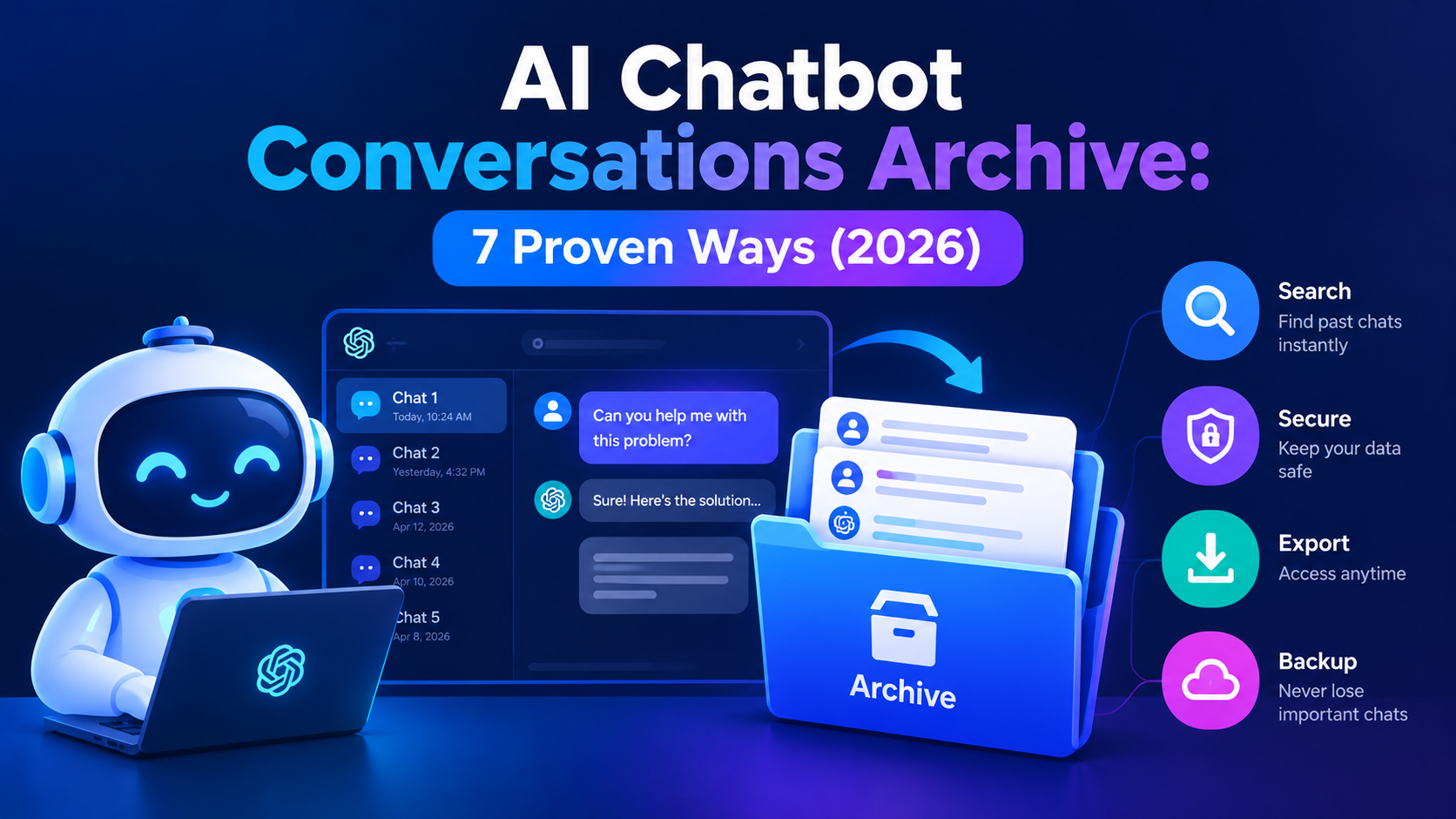
Every day, millions of people use AI chatbots for research, coding, writing and business decisions. Yet most of those conversations sit in a sidebar, hard to search and easy to lose. An AI chatbot conversations archive turns that scattered history into a safe, searchable record you actually control.
This guide covers both sides of the topic. You will learn how individuals can archive, export and back up chats, and how businesses can store chatbot conversation logs responsibly. We also explain search, privacy and data retention in plain language.
What Is an AI Chatbot Conversations Archive?
An AI chatbot conversations archive is a structured, searchable collection of saved conversations between people and AI chatbots, stored in a way you can find, export and protect.
For an individual, it can be a folder of exported files. For a company, it is a governed system that stores messages, timestamps, metadata and outcomes. In both cases, the goal is the same: keep useful conversations available long after the chat window closes.
The scale is already huge. The public LMSYS-Chat-1M dataset alone contains 1 million real conversations from 210,000 unique users. That shows how much valuable information chatbots generate every day.
Archive vs Export vs Backup vs Chat History
Chat history is what the AI app shows you, while an archive, an export and a backup are different ways of keeping a copy you control. People often mix these terms up, so here is a quick comparison.
| Term | What it means | Best for |
|---|---|---|
| Chat history | Chats stored inside the AI app | Continuing or revisiting recent chats |
| Archive | Chats hidden from the sidebar but kept in your account | Reducing clutter without deleting |
| Export | A downloadable copy of your data | Moving or preserving chats outside the app |
| Backup | An independent copy stored elsewhere | Protecting against account or service loss |
A strong ai chatbot conversations archive uses all four. Keep the app history for convenience, an organized export for portability, and a backup for safety. For more AI tools and guides, explore our tech section.
Why You Need an AI Chatbot Conversations Archive
You need an archive because AI chats often hold research, code, decisions and drafts that are hard to recreate once they are lost.
For individuals, a chat can be a debugging session, a study guide or a business plan. If the account is closed or the chat is deleted, that work disappears. An archive protects your time and your ideas.
For businesses, the stakes are higher. Chatbot conversation logs help teams prove what the bot said, find where it failed and spot common customer questions. They also support audits, dispute resolution and model improvement.
Here are the main benefits:
- Preserve your work: keep prompts, answers and decisions for later use.
- Save time: stop repeating questions you already asked.
- Improve the chatbot: learn from failed or confusing conversations.
- Stay accountable: keep a record for audits and disputes.
- Build a knowledge base: turn old chats into reusable notes and FAQs.
How to Archive ChatGPT Conversations
To archive ChatGPT conversations, open the chat menu and choose Archive, then manage them later in Settings under Data controls.
Archiving removes a chat from your sidebar without deleting it. Follow these steps:
- Open the chat you want to keep.
- Click the three-dot menu next to it, or in the chat header.
- Select Archive.
- To find it later, go to Settings → Data controls → Archived chats.
OpenAI states that chats stay saved until you delete them. Deleted chats are removed from your account right away and scheduled for permanent deletion from its systems within 30 days, with some stated exceptions.
Archiving is only a convenience feature. If a chat is truly important, export it as well. You can find more ChatGPT tips and tutorials on our site.
ChatGPT Export Chat History: Step by Step
You can export your ChatGPT chat history from Settings under Data controls, and OpenAI emails you a downloadable file.
The export gives you a copy of your data outside the app. This is the safest way to keep a long-term record. Menu labels can change, so check the official help page before you start.
After you download the file, do not edit the original. Store it in a folder called “original exports” and work from a copy. This makes it easy to rebuild your archive later.
How to Archive Claude and Gemini Conversations
You can export Claude chats from Settings under Privacy, and Gemini chats through Google Takeout.
Each platform handles saving and exporting differently. Here is what the official documentation describes.
Claude
Anthropic provides a data export option. According to its help documentation, individual users can export chat history from Settings → Privacy on the web app or Claude Desktop. The file is delivered by email and the download link expires after 24 hours.
Claude also offers past-chat search on supported plans. That helps you find earlier conversations, but it is not a replacement for an independent backup.
Gemini
Google lets you export Gemini Apps data through Google Takeout. The export can include chats, generated media and uploads, delivered by email or sent to cloud storage such as Drive.
Gemini also has activity controls. Google says the default auto-delete period is 18 months, with options for 3 or 36 months, or no auto-delete. When Keep Activity is off, new chats are not saved to your activity but are still kept for up to 72 hours for service and safety.
Which Method Should You Use?
Use the built-in archive for tidiness, an export for portability, and a backup for safety.
| Your goal | Best method |
|---|---|
| Clean up my sidebar | Built-in archive |
| Keep chats if I leave a platform | Export |
| Protect against account loss | Export plus independent backup |
| Search across many chats | Searchable local archive |
| Store customer chats for a company | Governed archive system |
AI Chat History Backup: A Simple Folder System
The easiest AI chat history backup is a folder structure that keeps original exports untouched and a separate organized copy for reading.
You do not need special software to begin. A simple structure works well:
- AI-Chat-Archive: the main folder that holds everything.
- Original exports: the files you download from ChatGPT, Claude and Gemini, kept untouched.
- Organized: a clean copy of your chats for reading and searching.
- Projects: chats grouped by project.
- Research: chats grouped by research topic.
- Backups: a second copy of everything, stored on another device or cloud service.
Name each file with the date, platform and topic, such as 2026-10-15-chatgpt-seo-research. This makes sorting and searching much easier later.
Choosing the Right File Format
JSON is best for automation, Markdown is best for reading and searching, and PDF is best for fixed records.
- JSON: structured data, ideal for indexing and developer workflows.
- Markdown: human-readable and easy to search.
- HTML: good for viewing a chat in a browser.
- PDF: useful for sharing, but weak for automated search.
Keep the original export, then create a Markdown copy for everyday use. That gives you both safety and convenience.
How to Search Old AI Conversations
To search old AI conversations, use the app’s built-in search first, then a full-text search tool across your exported files.
Built-in search is limited, and it only covers one platform at a time. Once you have exports, you can search all of them together. That is where a real archive pays off.
Here are practical options:
- Your computer’s file search: search your Markdown or text exports by keyword.
- Notes apps: import chats into tools like Obsidian or Notion and use their search.
- Developer tools: search JSON or text files from the command line.
- Dedicated archive tools: use an app that indexes chats from several platforms.
Full-Text Search vs Semantic Search
Full-text search finds exact words, while semantic search finds conversations by meaning even when the words differ.
Imagine you search for “payment problems.” Full-text search looks for those exact words. Semantic search can also return chats about billing errors or failed transactions.
For personal archives, full-text search is usually enough. For large business archives, a hybrid of both works best. Many systems pair a search engine for keywords with a vector database for meaning.
AI Chatbot Conversation Logs for Businesses
Chatbot conversation logs are the stored records of every message, timestamp and outcome between a customer and a business chatbot.
Companies use these logs to improve support, prove compliance and understand customers. A good business archive stores more than plain text. It usually includes:
- User messages and bot replies
- Timestamps, session IDs and channel details
- Tool or API calls the bot made
- Resolution status and handoffs to humans
- Tags, sentiment signals and quality scores
Native platform storage is rarely enough for a business. Messaging tools are built for communication, not governance. That is why companies add external storage, search and access controls.
A Simple Business Archive Architecture
Most business archives use layers: cloud storage for raw logs, a database for structured records, and a search engine for fast retrieval.
A common setup looks like this:
- Capture: an API or webhook records every conversation.
- Store: raw logs go to cloud storage and structured data to a database.
- Index: a search layer makes conversations easy to find.
- Analyze: dashboards show trends, failures and common questions.
Data is also usually tiered. Recent chats stay in fast storage, while older chats move to cheaper cold storage for long-term retention.
Data Retention: How Long Should You Keep Chats?
How long you keep chats depends on your goal, the platform’s rules and any laws that apply to your business.
For individuals, the rule is simple: keep what is useful and delete what is sensitive or outdated. Review your archive regularly so it does not become a pile of unused data.
For businesses, data retention needs a written policy. Different rules can apply:
- GDPR: does not set a fixed retention period, but requires you to keep personal data only as long as needed. Requests for a copy of data usually need a response within one month.
- CCPA: gives California residents the right to know and delete. Requests generally must be answered within 45 days, with a possible extension.
- HIPAA: applies when chats contain protected health information and requires strict access and security controls.
- Financial rules: broker-dealers face multi-year record-keeping requirements, so regulated firms should confirm the exact period with legal counsel.
Retention rules change, so always check the current regulation. This article is general information, not legal advice.
AI Conversation Privacy: How to Protect Your Archive
To protect your archive, remove sensitive details, use strong account security and store files in encrypted, access-controlled locations.
Chats often include personal, financial or business information. An archive concentrates all of it in one place, so it needs care. Follow these steps:
- Never store passwords, private keys or payment details in your archive.
- Redact names, emails and account numbers before sharing any chat.
- Turn on multi-factor authentication for your AI accounts.
- Encrypt your device and any cloud storage you use.
- Review third-party archive tools and browser extensions before giving them access.
- Keep a separate backup in a second location.
Be careful with exported ZIP files in shared cloud folders. Anyone with access to the folder can read every chat inside it. Store sensitive material separately from ordinary research chats. For more privacy and security tips, visit our tech blog.
Privacy Tips for Businesses
Businesses should encrypt data in transit and at rest, limit access by role, and anonymize chats used for analytics or training.
Keep an audit log of who views or exports conversations. Mask personal data such as names and account numbers wherever you can. Review access every quarter and remove permissions that are no longer needed. Good AI conversation privacy practices protect both your customers and your business.
Best Practices for Managing an AI Chatbot Conversations Archive
The best archive habit is a short, regular routine that keeps your chats organized, backed up and safe.
Try this simple weekly routine:
- Export or save any important new chats.
- Rename files with the date, platform and topic.
- Move them into the right project folder.
- Delete anything sensitive or no longer useful.
- Check that your backup copy is up to date.
Spending ten minutes a week is far easier than rescuing a messy archive later. Over time, your ai chatbot conversations archive becomes a personal knowledge base that grows more valuable with use.
Common Mistakes to Avoid
The most common mistakes are relying only on app history, never backing up, and storing sensitive data without protection.
- Trusting the sidebar: archived chats still depend on your account.
- Editing the original export: always work from a copy.
- No naming system: files become impossible to search.
- Ignoring retention: old data creates privacy risk.
- Skipping backups: one copy is not a backup.
Frequently Asked Questions
What is an AI chatbot conversations archive?
An AI chatbot conversations archive is a structured, searchable collection of saved chatbot conversations that you can find, export and protect.
How do I archive ChatGPT conversations?
Open the chat’s menu and select Archive, then manage archived chats later under Settings → Data controls → Archived chats.
Can I export my ChatGPT chat history?
Yes, you can request a data export from ChatGPT’s Settings under Data controls, and the file is sent to you by email.
What is the difference between archiving and exporting chats?
Archiving hides a chat inside the app while keeping it in your account, while exporting gives you a separate copy outside the app.
How do I back up my AI chat history?
Export your chats from each platform, store the original files untouched, and keep a second copy on a different device or cloud service.
How can I search old AI conversations?
Use the app’s built-in search first, then search your exported Markdown or text files with a notes app or full-text search tool.
Are archived AI conversations private?
Their privacy depends on the provider, your account settings and where you store the exported files, so treat every archive as sensitive data.
How long should I keep chatbot conversation logs?
Keep them only as long as they are useful or legally required, and businesses should follow a written retention policy based on rules like GDPR and CCPA.
Conclusion
A good ai chatbot conversations archive saves your work, saves time and keeps your data under your control. Start small: archive your key chats, export them, and set up a simple backup folder. Then add search and a weekly routine as your archive grows.
For businesses, the same principles apply at a larger scale, with stronger governance, privacy and retention. Whether you are an individual or a company, the best time to start archiving is before you need the data back.