
Introduction
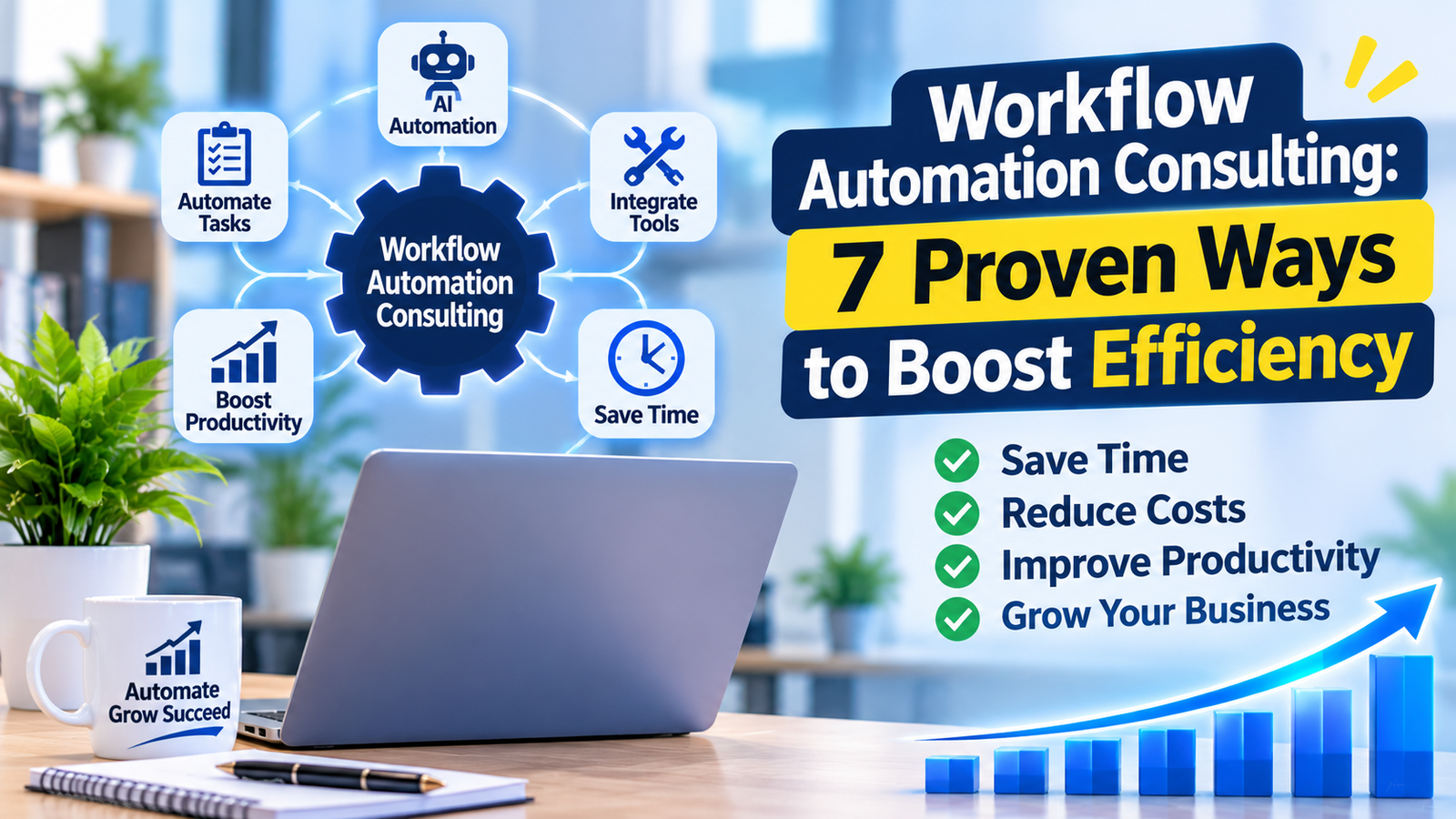
Workflow automation consulting helps businesses automate repetitive tasks, improve productivity, and reduce operational costs. In this guide, discover seven proven ways to streamline business processes using modern automation tools.
Businesses often spend valuable time on repetitive tasks such as data entry, email follow-ups, document approvals, and manual reporting. These activities can slow down operations, increase costs, and reduce employee productivity. With the right automation strategy, companies can reduce manual work, save time, and focus on activities that support business growth.
This guide explains how workflow automation consulting works, its benefits, and seven practical ways to improve business efficiency in 2026.
What Is Workflow Automation Consulting?
Workflow automation consulting is a professional service that helps businesses analyze, improve, and automate repetitive processes using software, integrations, and artificial intelligence.
Consultants review existing workflows, identify bottlenecks, recommend suitable tools, and help implement automation solutions.
For example, when a customer submits a contact form, an automated workflow can save their information in a CRM, notify the sales team, and send a confirmation email.
The goal is to make business processes faster, more accurate, and easier to manage.
Why Workflow Automation Consulting Matters in 2026
Businesses use multiple applications for sales, marketing, customer service, and project management. When these systems do not communicate properly, employees waste time transferring information manually.
Workflow automation consulting helps connect these systems and improve daily operations.
Key benefits include:
-
Higher productivity: Employees spend less time on repetitive tasks.
-
Fewer errors: Automation reduces mistakes caused by manual data entry.
-
Lower operational costs: Businesses can reduce the time and resources required for routine work.
-
Better customer experience: Faster responses and consistent communication improve customer satisfaction.
-
Improved scalability: Automated processes can handle increasing workloads more efficiently.
7 Proven Ways Workflow Automation Consulting Improves Efficiency
1. Automate Repetitive Business Tasks
One of the easiest ways to improve productivity is to automate repetitive business tasks that consume employees’ time.
These tasks may include copying data between applications, sending reminders, updating spreadsheets, and generating reports.
A workflow automation consultant identifies which activities can be automated and creates a process that reduces manual effort.
For example, when a customer submits an inquiry, an automated workflow can add the information to a CRM, assign a sales representative, and send a confirmation email.
This allows employees to focus on more valuable responsibilities.
2. Use AI Workflow Automation for Smarter Processes
AI workflow automation combines traditional automation with artificial intelligence to handle tasks that require interpretation or decision-making.
AI-powered workflows can classify emails, summarize documents, extract information, and route customer requests.
For example, an AI system can review incoming support emails and direct each request to the appropriate department.
However, businesses should include human review for sensitive decisions and situations where incorrect results could create significant risks.
3. Connect Applications with Workflow Automation Tools
Many businesses use separate applications for customer management, communication, accounting, and project tracking.
Workflow automation tools help connect these systems so information moves between them automatically.
Popular options include Zapier, Make, Microsoft Power Automate, and n8n.
For example, a business can connect its CRM with a project management platform so that every new customer automatically creates a project and assigns tasks to the relevant team.
The right tool depends on the company’s budget, technical requirements, and existing software.
4. Improve Sales and CRM Workflows
Sales teams often manage lead qualification, follow-up emails, appointment scheduling, and pipeline updates.
Business process automation consulting can simplify these activities through automated workflows.
When a potential customer requests a consultation, the system can:
-
Add the lead to the CRM.
-
Assign the lead to a sales representative.
-
Send a confirmation email.
-
Create a follow-up task.
-
Update the sales pipeline.
These improvements help sales teams respond faster and maintain consistent communication.
5. Simplify Document Approval and Management
Document approvals can become slow when employees rely on emails, printed forms, or manual reminders.
Workflow automation can route documents to the correct people, track approval status, and send notifications when action is required.
For example, an expense approval workflow can automatically send a report to a manager, notify the finance team after approval, and store the final document.
This reduces delays and improves visibility across departments.
6. Implement No-Code Workflow Automation
No-code workflow automation allows businesses to create automated processes without writing extensive code.
These platforms often include visual builders, prebuilt integrations, and drag-and-drop components.
Small businesses can use no-code tools to automate appointment reminders, lead notifications, and task assignments.
However, complex integrations and advanced security requirements may require custom development.
A consultant can determine whether a no-code solution is suitable or whether a more advanced approach is necessary.
7. Monitor and Optimize Automated Workflows
Automation is not a one-time project. Businesses should regularly review their workflows to ensure they continue to deliver value.
Consultants can measure performance using indicators such as:
-
Time saved per task.
-
Reduction in manual errors.
-
Workflow completion rate.
-
Operational costs.
-
Customer response time.
Regular monitoring helps identify broken integrations, unnecessary steps, and opportunities for improvement.
How Workflow Automation Consulting Works
A successful automation project begins with understanding the business process.
Step 1: Analyze Existing Workflows
Consultants review how work moves through the business and identify repetitive tasks, delays, and unnecessary steps.
Step 2: Identify Automation Opportunities
The best candidates are usually frequent, repetitive, time-consuming, and governed by clear rules.
Consultants prioritize processes based on business value, complexity, and risk.
Step 3: Select the Right Tools
The consultant evaluates existing software, integration options, security requirements, and technical limitations before recommending a solution.
Businesses can explore Microsoft Power Automate’s official guidance to understand how automated workflows can connect applications and simplify business processes.
Step 4: Implement and Test the Workflow
During workflow automation implementation, the consultant configures the automation, connects relevant systems, and tests the process with realistic scenarios.
Step 5: Monitor and Improve Performance
After deployment, the consultant tracks performance and resolves problems as they arise.
Regular reviews help keep workflows reliable as business requirements change.
How Much Does Workflow Automation Consulting Cost?
The cost depends on workflow complexity, the number of systems involved, and the level of customization required.
Common pricing models include:
| Pricing Model | Best For |
|---|---|
| Hourly consulting | Small improvements and technical advice |
| Fixed-price project | Clearly defined automation requirements |
| Monthly retainer | Ongoing monitoring and maintenance |
| Enterprise engagement | Complex integrations and large-scale automation |
Before starting a project, businesses should request a clear scope of work, implementation timeline, and breakdown of software costs.
How to Choose the Right Workflow Automation Consultant
Choosing the right consultant can help businesses avoid unnecessary expenses and technical problems.
Consider these factors:
-
Relevant experience: Look for experience with similar business processes.
-
Technical expertise: Check knowledge of automation platforms and integrations.
-
Measurable results: Ask how success will be measured.
-
Security and reliability: Confirm how data access and workflow errors will be handled.
-
Clear communication: Ensure the consultant explains costs, timelines, and responsibilities.
A reliable consultant should understand your business before recommending tools.
Common Workflow Automation Mistakes to Avoid
Automating a Broken Process
If a workflow is already inefficient, automation may simply make the problems happen faster. Businesses should simplify and standardize the process before automating it.
Choosing Tools Before Understanding Requirements
Selecting software based only on popularity can lead to unnecessary costs and compatibility issues. Start by defining the business problem.
Ignoring Human Oversight
Automated systems need clear rules for handling exceptions and sensitive decisions. Human review should remain part of workflows where mistakes could have serious consequences.
Forgetting Maintenance
Software updates and changing business requirements can affect automated workflows. Regular monitoring and maintenance help prevent failures.
Frequently Asked Questions
What is workflow automation consulting?
Workflow automation consulting helps businesses identify inefficient processes and improve them through automation tools, software integrations, and better workflow design.
What are workflow automation services?
Workflow automation services include process analysis, automation planning, software integration, implementation, testing, monitoring, and optimization.
What is the difference between workflow automation and business process automation?
Workflow automation usually focuses on individual tasks and the movement of work between people or systems, while business process automation can cover larger, end-to-end business processes.
Can small businesses benefit from workflow automation consulting?
Yes. Small businesses can automate tasks such as lead management, appointment reminders, invoice processing, and customer follow-ups without investing in large enterprise systems.
What are the best workflow automation tools?
Popular tools include Zapier, Make, Microsoft Power Automate, and n8n. The best option depends on business requirements, budget, and existing software.
How long does workflow automation implementation take?
Simple workflows may be implemented quickly, while complex integrations can require several weeks or longer. The timeline depends on process complexity and testing requirements.
Is AI workflow automation suitable for every business?
No. AI automation is most useful for processes involving unstructured information or tasks that benefit from interpretation. Simple, rule-based tasks may be better handled by traditional automation.
How do I measure the success of workflow automation?
Measure success through time saved, error reduction, process completion rates, operational costs, and improvements in customer experience.
Conclusion
Workflow automation consulting helps businesses reduce manual work, improve operational efficiency, and build more reliable processes.
By identifying the right workflows, selecting suitable tools, and implementing automation carefully, businesses can save time and improve productivity.
The best approach is to start with one clearly defined process, measure its performance, and expand automation as the business grows.