

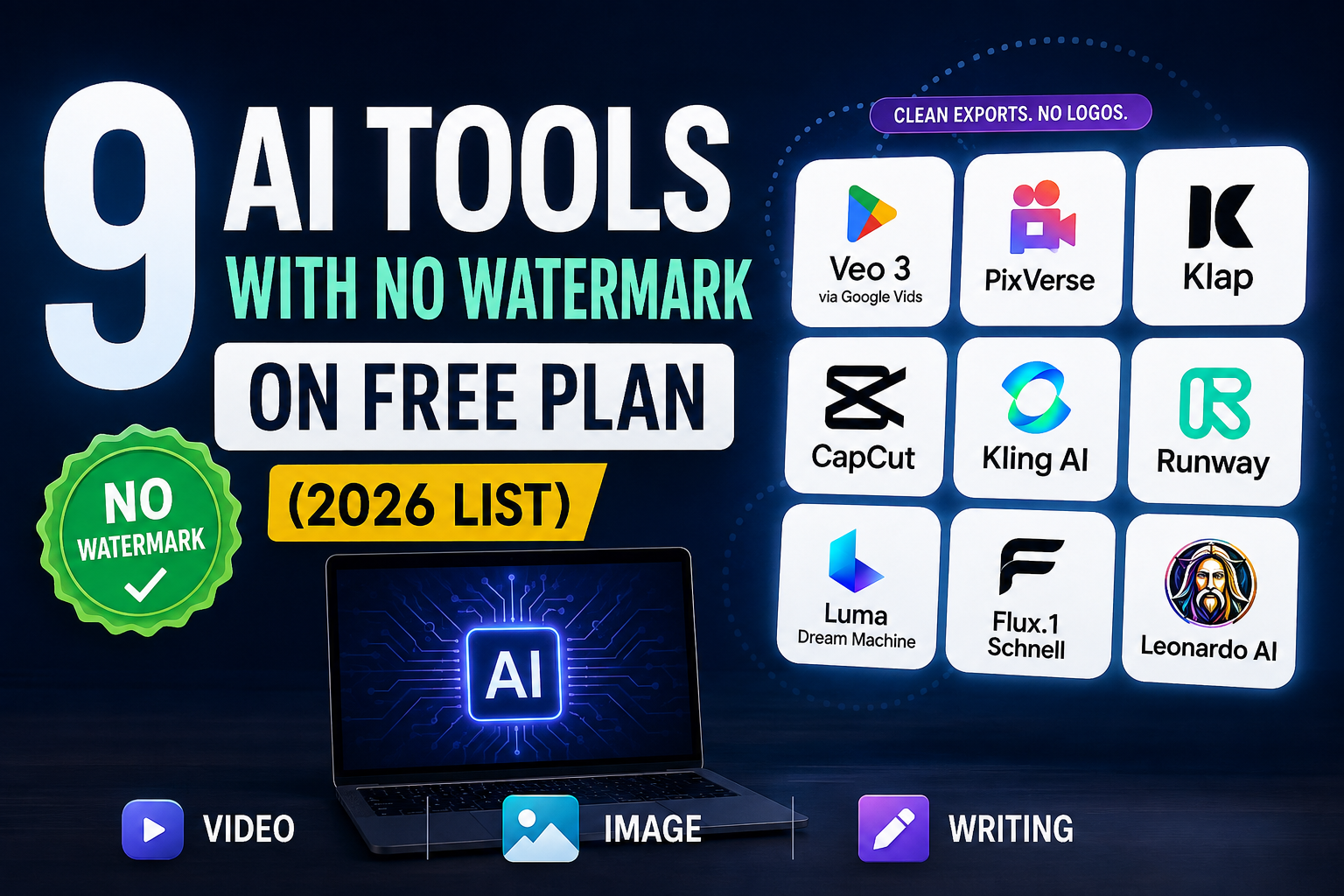
Last checked: November 20, 2026. Free plans change often, so confirm on each tool’s pricing page before you rely on them.
Many “no watermark” lists online are out of date. When we checked the current free plans of the most popular AI video and image tools, most video generators still add a visible watermark on free exports. Only a few options give you clean output for free, and each has a catch.
This guide separates what is actually watermark-free from what isn’t, so you don’t waste credits finding out the hard way.
Quick Answer
| Tool | Type | Visible watermark on free plan? | Free allowance |
|---|---|---|---|
| Google Vids (Google AI video) | Video | No visible logo; invisible SynthID always added | A small number of generations per month |
| Flux.1 [schnell] | Image | No (open-source model) | Depends on where you run it |
| Runway | Video | Yes | 125 one-time credits |
| Kling AI | Video | Yes | About 66 credits |
| PixVerse | Video | Yes (reported) | 90 signup credits + 60 per day |
| Luma Dream Machine | Video | Yes / may include | Limited, 720p |
| Leonardo AI | Image & video | Free images are public; some reviews report a watermark | 150 tokens per day |
Free AI Video Tools: What’s Really Watermark-Free
Google Vids: free, no visible logo, but limited
Google opened AI video generation in Google Vids to personal Google accounts in 2026. When it launched in April, personal accounts got 10 free generations a month. A September update moved Vids to Google’s newer Gemini Omni video model, and reports said personal accounts were limited to around six AI video or avatar generations per month. In November 2026, Google moved Vids to Gemini Omni 1.2 Flash, with up to three 15-second AI videos a month at no cost.
Every clip includes SynthID, an invisible watermark that machines can detect. You won’t see a logo on screen, but the video can still be identified as AI-generated. For most social posts that’s fine; if a client requires fully unmarked files, it isn’t.
Runway: watermarked, one-time credits
Runway’s free plan gives 125 credits once. They never refresh. Videos made on the free plan carry a watermark, and removing it requires the Standard plan or higher. Good for testing Runway’s quality, not for regular free use.
Kling AI: watermarked
Kling’s free exports include a watermark; paid memberships remove it. Most guides describe the free allowance as about 66 credits a day, but at least one recent hands-on review found the 66 credits granted monthly instead. Check the balance in your own account.
PixVerse: daily credits, but watermarked
PixVerse gives new accounts 90 bonus credits plus 60 credits every day, which is roughly one short clip daily. Recent reviews report that free exports carry a PixVerse watermark and are capped at low resolution, and commercial use is not allowed on the free tier.
Luma Dream Machine: watermarked on free
Luma’s own licensing page says free-plan generations are non-commercial and may include a watermark. Independent reviews report a visible Luma logo on free clips, capped at 720p.
Free AI Image Tools Without a Watermark
Flux.1 [schnell]: the cleanest free option
Flux.1 [schnell] by Black Forest Labs is released under the Apache 2.0 license, which allows commercial use. Because it is an open model, the output has no logo added by the model itself. You can run it on your own computer or through hosted demos such as Hugging Face Spaces, which have their own usage limits.
Leonardo AI: generous credits, but read the terms
Leonardo’s free plan gives 150 tokens per day, resetting every 24 hours. Free generations are public, and the free plan does not give you ownership or commercial rights over outputs. Some reviews also report a visible watermark on free images. If you need images for business use, Leonardo’s paid plans are the safer route.
Visible vs Invisible Watermarks
“No watermark” usually means no visible logo. Many AI tools now also add invisible marks or metadata so platforms can detect AI content, for example Google’s SynthID and C2PA content credentials. These don’t change how your video or image looks, but they mean “watermark-free” rarely means “untraceable.” That’s also why we don’t recommend third-party watermark removers: they can break a tool’s terms of service.
How to Choose
- Need a few clean videos a month? Try Google Vids.
- Need clean images for commercial use? Use Flux.1 [schnell], or a paid plan of the tool you like best.
- Just testing quality? Runway, Kling, PixVerse and Luma are all fine for testing; just expect a watermark.
- Doing client work? Check commercial-use rights separately from the watermark. A clean file can still be non-commercial.
Frequently Asked Questions
Which AI video generator has no watermark on the free plan?
Google Vids currently lets personal Google accounts create a few AI clips a month without a visible logo, though an invisible SynthID mark is always included. Runway, Kling, PixVerse and Luma all watermark free exports.
Does Runway’s free plan have a watermark?
Yes. Runway’s free plan includes 125 one-time credits, and free videos are watermarked.
Does Kling AI have a watermark on its free plan?
Yes. Free Kling exports include a watermark; paid plans remove it.
Is PixVerse free without a watermark?
No. PixVerse is free to use with daily credits, but recent reviews report a watermark and low resolution on free exports.
What’s the best free AI image generator with no watermark?
Flux.1 [schnell] is the strongest option: it’s open-source, Apache 2.0 licensed, and adds no logo.
Can I use watermark-free AI output commercially?
Not always. Watermark status and commercial rights are separate. Always read the tool’s license before using output for business.
Sources
- Runway Help: Free plan details
- Luma AI: Licensing
- Google: Free video generation in Google Vids
- Google Vids Omni 1.2 Flash free allowance (November 2026)
- Leonardo AI: Pricing
Related Guides
- A2E AI Review: Features, Pricing and Verdict
- 10 Best Free AI Tools for Students in 2026
- YouTube vs Bilibili: Key Differences Compared
Really informative post about AI image generator tools. The list is useful for anyone who wants to create quality visuals with AI. Thanks for sharing!
Welcome!